
We set it up. You open the doors.
No installation, no special hardware, and the bookings you already have brought across.
Three steps, and the work is ours
We talk
A call to see your dining room
How many tables you have, which services you run, how you take bookings today and where your time goes. We show you Resvity working. Nothing is signed.
We build
Your restaurant, inside
The plan with your tables and areas, the booking page with your logo, your photos and your menu, and your opening hours and booking rules. You send us whatever book or spreadsheet you have and we bring in your upcoming bookings.
Every booking we bring in goes through the same rules as a new one. If one doesn’t fit, we tell you which and why.
You open
Access, and the first service together
The owner gets a link to choose their password and invites their team. The floor tablet signs in once and doesn’t ask again. We run the first service with you.
What you need
What you most likely already have.
- A tablet
- Any current one, in landscape, for the floor.
- An internet connection
- The tablet and the dashboard update every few seconds, so they always show the same thing.
- A browser
- For the restaurant dashboard, on a computer or a phone.
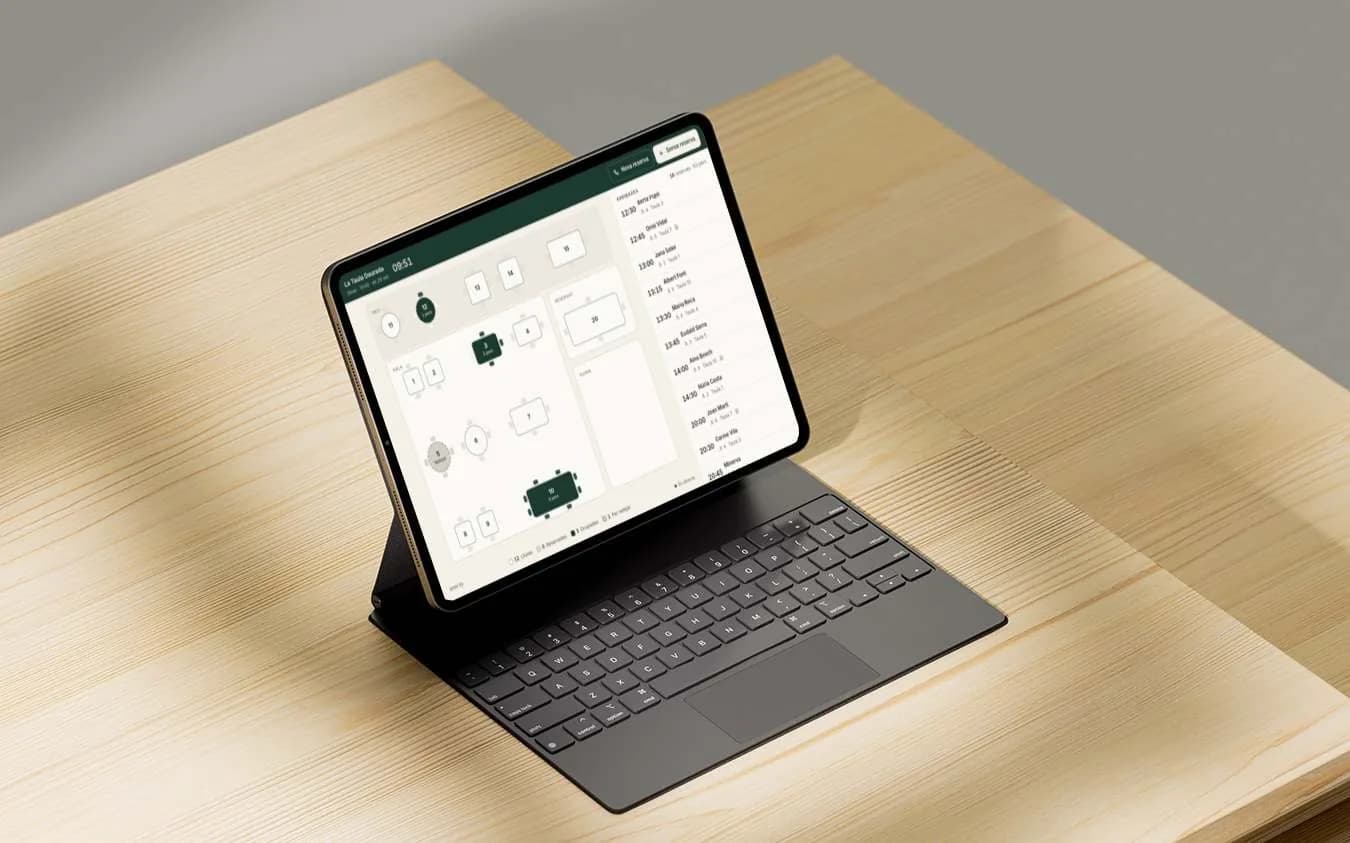

On the day you open, the floor plan is already yours.
With your tables, the names of your areas and the bookings you already had. From the first day you serve with Resvity, with nothing to set up yourself.
Your data is yours, including on the day you leave.
Download it whenever you like
From your Profile, under “Your data”: every guest, every booking and your team, in files any spreadsheet opens.
No small print on leaving
The monthly plan can be left whenever you like. The annual plan commits you for a year, and cancelling means not renewing it.
Each restaurant sees only its own
Each account only opens its own restaurant. Not even editing the address in the browser gets you into someone else’s.
We’ll show you Resvity with your own tables.
One call: you tell us how bookings reach you today, and we show you how your restaurant would look on Resvity, Pro or Basic. Nothing is signed on the call.